
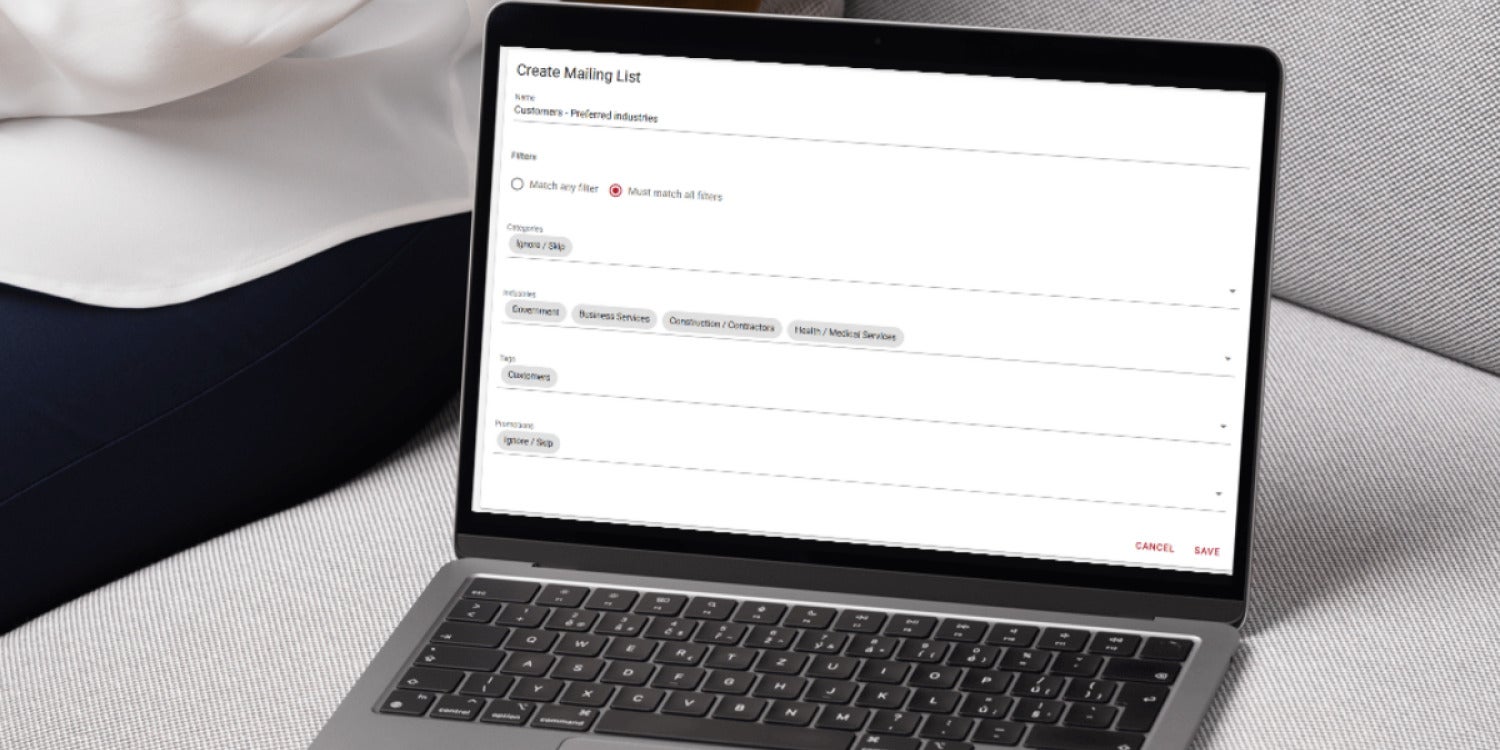
New email tools and smarter targeting strategies are helping franchise operators turn overlooked contacts into consistent revenue.
If you aren’t sending regular emails to your current (and future!) client base, you absolutely should start. Email Marketing is one of the easiest ways to keep your business and your offers top of mind.
Need more incentive? We’ve rolled out two new tools for your emails.
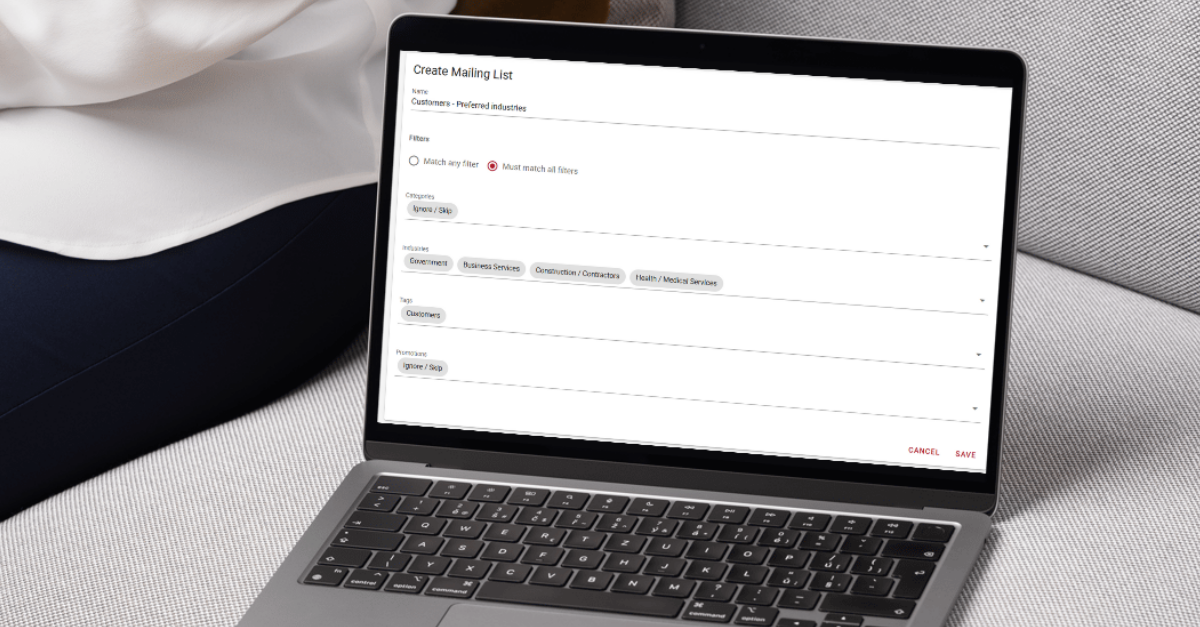
First, you can now create mailing lists based on industries. If you have a type of business you prefer to work with, you can send a custom email to just that niche market. Or if you know a specific offer appeals to a particular type of business, let just those businesses know.
The more targeted your emails, the more likely you’ll see results!
Second, by special request, we have added a feature that will resend unopened emails. If you have an important message you want to make sure your clients read, select this option when you create the campaign.
If 27% of your recipients don’t open the email, Gorilla Dash will automatically send the email — just to those people — again.
You can choose:
- how many days you wait before resending it. We recommend 4 days.
- what the subject line of the second email should be. We recommend you write something unique.
A word of caution:
Don’t overuse and abuse the Resend to Non-Openers feature. If you’re overly persistent, you may get flagged as spam. Too many red flags, and you’ll find your emails permanently parked in the dreaded Spam Folder 😱 rather than the top of your clients’ inboxes.
Quick Gorilla Dash Guide
Launch your own Email Campaign
Create the email
If you don't want to create an email from scratch, your company creates plenty of pre-made emails and templates that are ready to send.
Start by navigating to ✉️ Email Marketing from the left menu. Then click Emails to see the collection of ready-to-send messages.
To customise an email with your own message, click the 📄 paper icon to duplicate it. Give it a name and click Submit.
Click into the email to make changes to the content, move pictures around or add your own messaging. Remember to Save the email before you navigate away.
Create your list
Once your email is perfect, go back to the Email dashboard and click on ✉️ Mailing List. If you want to be more specific than “All People,” click the ➕ plus button.
You have an option to limit your recipients by Categories, Industries, Tags or Promotions they were involved in. Pay attention to whether you want your list to match any filter or all filters.
Create the campaign
Think of the ✉️ Email Campaign like your digital envelope. You need to tell Gorilla Dash who to send the email to and when.
Click the ➕ at the top to start a new campaign. On the first screen, select the email you just created and choose your mailing list.
You have a new option to Resend to Non-Openers, which will resend the same email a second time.
When you click Launch Campaign, you can choose to Send Now or or schedule it in the future with Send Later.
Consistency is key
For the best results, schedule your emails at regular intervals. With regular communication, happy clients lead to repeat sales.
Happy emailing!
Casper Lai
Email Casper@gorilladash.com
Disclaimer:
If any facts in our articles are incorrect or you would like an article removed please email us at news@gorilladash.com.