
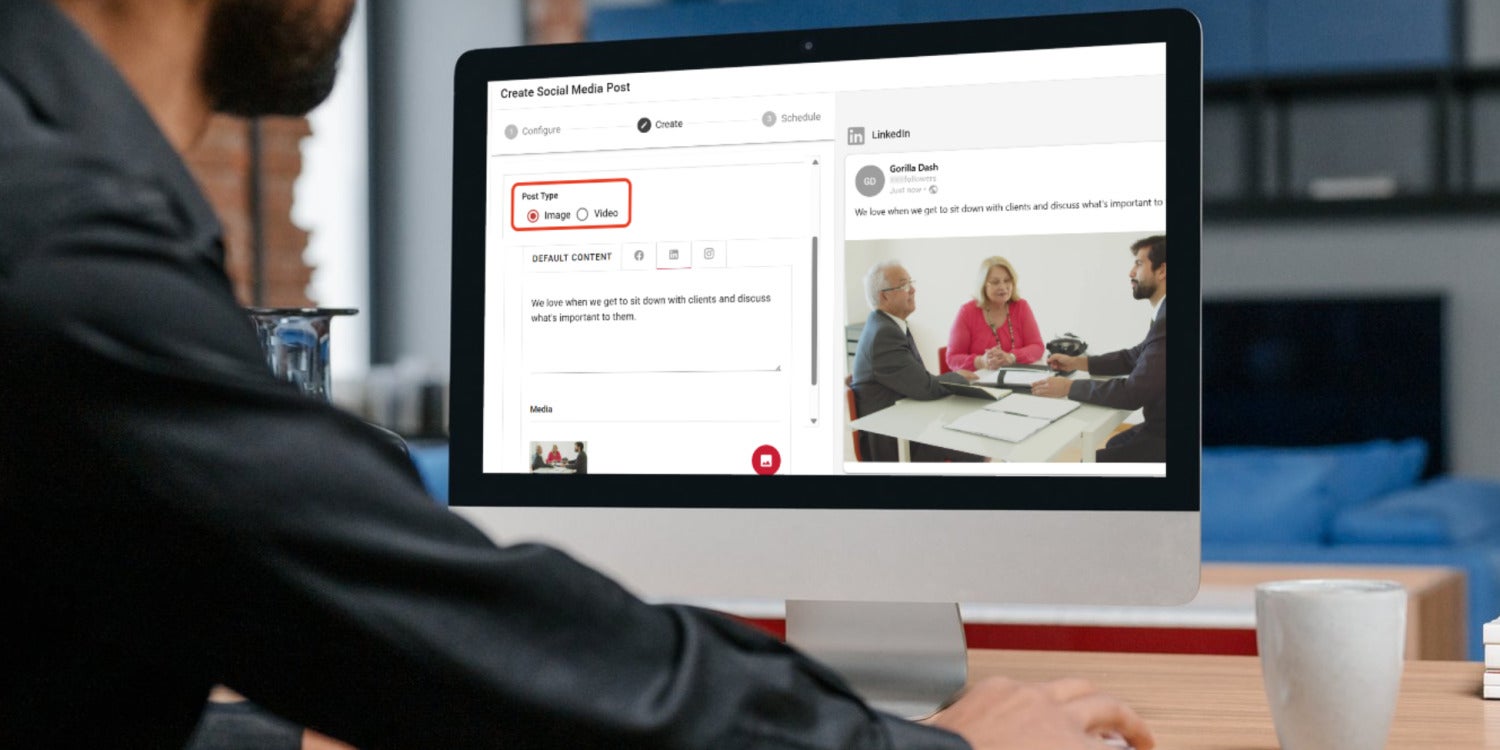
A single dashboard now powers seamless cross-channel video posting, giving brands a faster way to stay visible and build authentic engagement.
In an age of fast-moving content, videos are a powerful way to connect with current and future clients.
Now it’s easy to schedule video content right from your Gorilla Dash dashboard. The Social Media tool now allows you to upload videos and share them across multiple channels with a single post.
Not sure what to share? Consider creating a video to:
- Introduce your team and explain what each of them does
- Show how a product is made behind the scenes
- Show what your backroom looks like
- Answer a question you frequently hear from new clients
- Explain how your team operates differently from your competition
- Share what you love about the work you do
- Tell a story about how you went above and beyond for a client
Videos for social media don’t have to be perfectly edited or professionally shot. Instead, focus on showcasing your values.
Is your team hardworking and passionate? Are you all about being fun and approachable? Are you community-driven and eager to give back?
Think about how you could showcase the best of your business. Then, don’t be afraid to try new ideas!
Quick Gorilla Dash Guide
Posting Videos to Social Media
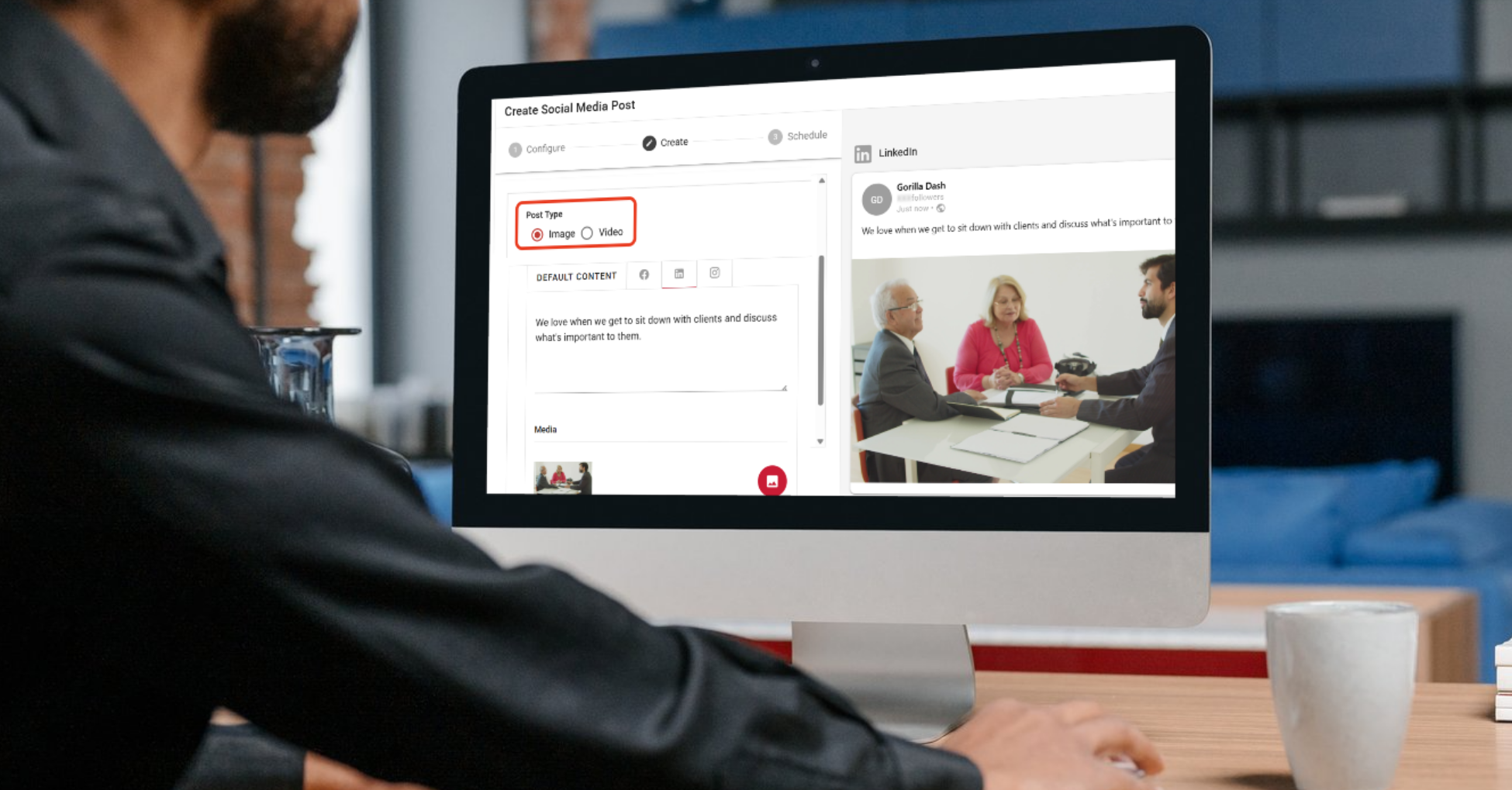
Open the Social Media tool, and click the ➕ plus button at the top to start a new post.
Configure
Give the post a Post Name. The public won’t see this part, so make it something you’ll recognize.
Decide where you’d like to post. For video, your options are Facebook, LinkedIn, and Instagram. You can't currently upload videos to Google Business Profile.
Remember that you’ll need to connect your business accounts in Gorilla Dash. Click this link to check that they’re connected.
Click Next.
Create
Under Post Type, select Video. Supported formats include MP4 for Facebook, Instagram, or LinkedIn, or MOV for Facebook or Instagram.
Write a bit of context for the video under the Default Content. If any of the channels need to be different, click the icons to change what they’ll say.
Under Media, click the 🖼️ picture icon to add your video. Click the Upload Media button. Drag your video to the gray box at the top to upload it.
Note: You can only upload one video per social media post.
Fill in as much information about the video to help SEO (Search Engine Optimization) and to help you find the video later. In the description, explain what the video shows.
You can also choose to share the video with other tribes.
Schedule
In this last step, choose Post Now to post it right away or Post Later and select the time you want it to post. Scroll down and click PUBLISH.
Consistency wins over flash
When it comes to social media, pick a cadence you can stick to, even if it’s only once a week. Consistency wins over a lot of hype and flash that’s unsustainable.
Remember that social media is first and foremost about being social. Videos can be a great way to connect and share the heart of your business with clients who care.
Enjoy posting!
Casper Lai
Email Casper@gorilladash.com
Disclaimer:
If any facts in our articles are incorrect or you would like an article removed please email us at news@gorilladash.com.