
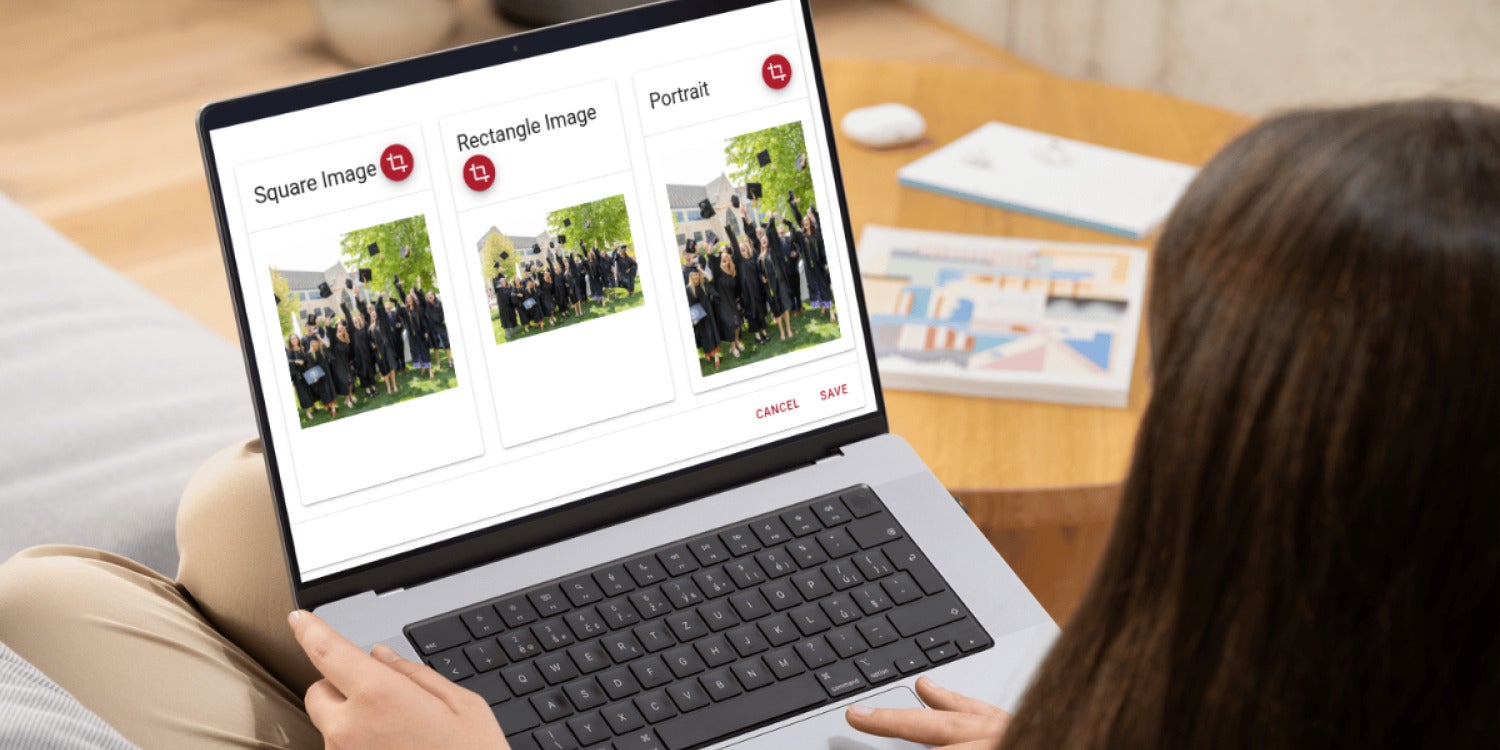
The platform has streamlined image editing inside work posts and social media tools, helping business owners update visuals faster without leaving the dashboard.
Nothing is more annoying than a 5-minute project gobbling up the better part of an hour.
Because you have a whole business to run, we designed each Gorilla Dash tool to be easy to use and as efficient as possible.
We noticed how time-consuming it was to edit or update an image once it was attached to a Work Post or to a Social Media Post. It didn’t make sense to open an entirely new tool to make a quick fix to the image.
Once you notice that the image isn’t framed quite how you imagined, we’ve made it easier to go back and change the crop.
You can quickly add details to the photo that will boost your website SEO… if you forget that step. 🤭
Or you can share the image with other Tribes in your network and write in detail that will help others find it.
It’s all at your fingertips. A quick update can actually be accomplished with a few minutes and a few clicks.
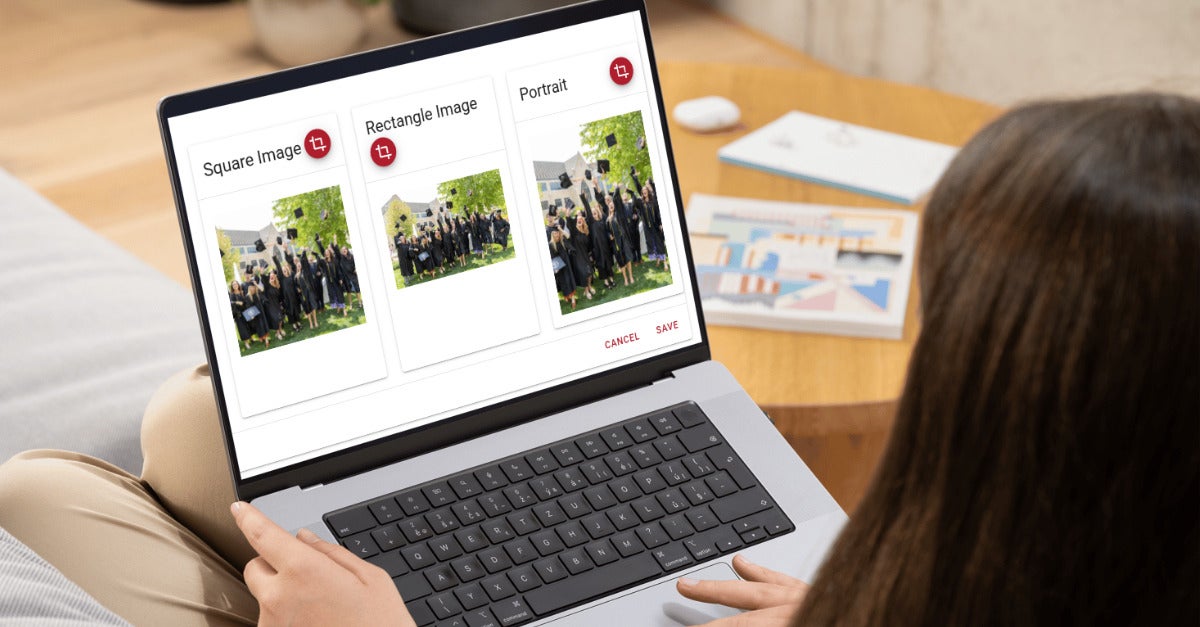
Not sure what all those boxes in the image are for? Keep scrolling, and we’ll break it down.
Quick Gorilla Dash Guide
Edit and Crop Photos Quickly
Start a post in Our Work Posts or the Social Media Dashboard by clicking the add ➕ button at the top.
Under images, click the pencil ✏️ to add an image. Choose an image from the library or click Upload Media to add one of your own. Click Done.
If you’re happy with the image as is, you’re done!
To make changes, click Edit Image.
Scroll to the bottom to see the image cropped in different ways. Depending on where the image appears, you may want to tweak one of the options.
Under Media Details, remember to fill out:
- Name: Make this a quick description of the image
- Alt Tag: Describe what the picture looks like for accessibility
- Description: Add as many details as you can to help others find it.
The Media Categories and Product details also help others in your network find and use your image.
Remember to click Share with other tribes before you click Save at the bottom.
What update would you like to see next?
Our goal is to keep improving Gorilla Dash, speeding you to your next sale! We love to hear feedback from the people using it every day.
What tool or quick fix would make running your business a little bit easier? Let us know!
May all your images be cropped to perfection,
Kris Harris
Email Kris@gorilladash.com
Disclaimer:
If any facts in our articles are incorrect or you would like an article removed please email us at news@gorilladash.com.