
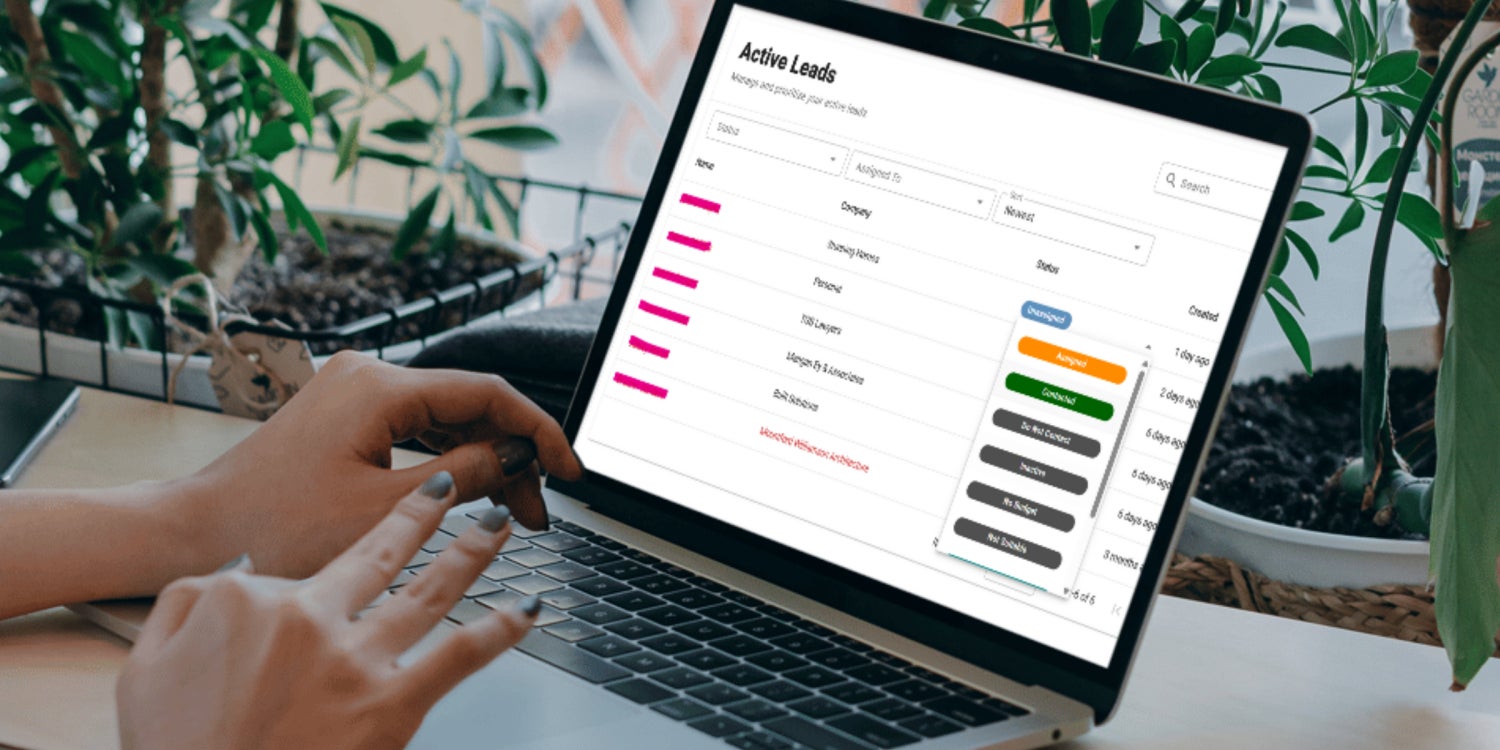
Gorilla Dash CRM helps businesses track leads, assign follow-ups, and improve sales accountability so opportunities are less likely to be missed when work gets busy.
Let’s be honest. Leads have a sneaky way of slipping off the radar once things get busy. You plan to follow up. But then a new call comes in. A sudden emergency draws your attention. A work order needs a quick update.
Suddenly, it’s 5 o’clock. The potential customer isn’t answering their phone, and your stomach drops with dread.
The opportunity is gone.
A smooth and functional CRM helps keep leads top of mind. It rescues sales from pits of forgetful oblivion.
It keeps you from ever asking, Whatever happened to that person who called the other day?
Our clients have been asking for CRM (that stands for Customer Relationship Management) integration in Gorilla Dash, and now it's finally here!
The new CRM gives your team a clean way to track leads and keep opportunities from going quiet.
It gives business owners and their sales teams, one tidy place to identify potential customers and assign follow-up tasks to sales team members. The CRM Dashboard makes it easy to see what needs attention next to nurture that next business relationship.
Even better, sales staff can have a dedicated login that lets them see their tasks in the CRM without having access to all of Gorilla Dash. They get a focused dashboard to see exactly what they need to follow leads.
The result is simple. Better visibility, better accountability and a much lower chance of missing a lead because no one knew who was meant to follow up.
Quick Gorilla Dash Guide
How to stay on top of every lead in the CRM
Here are some tips to get the most out of the new CRM tool.
Review Opportunities
Gorilla Dash uses AI to identify leads from your emails, calls and website enquiries.
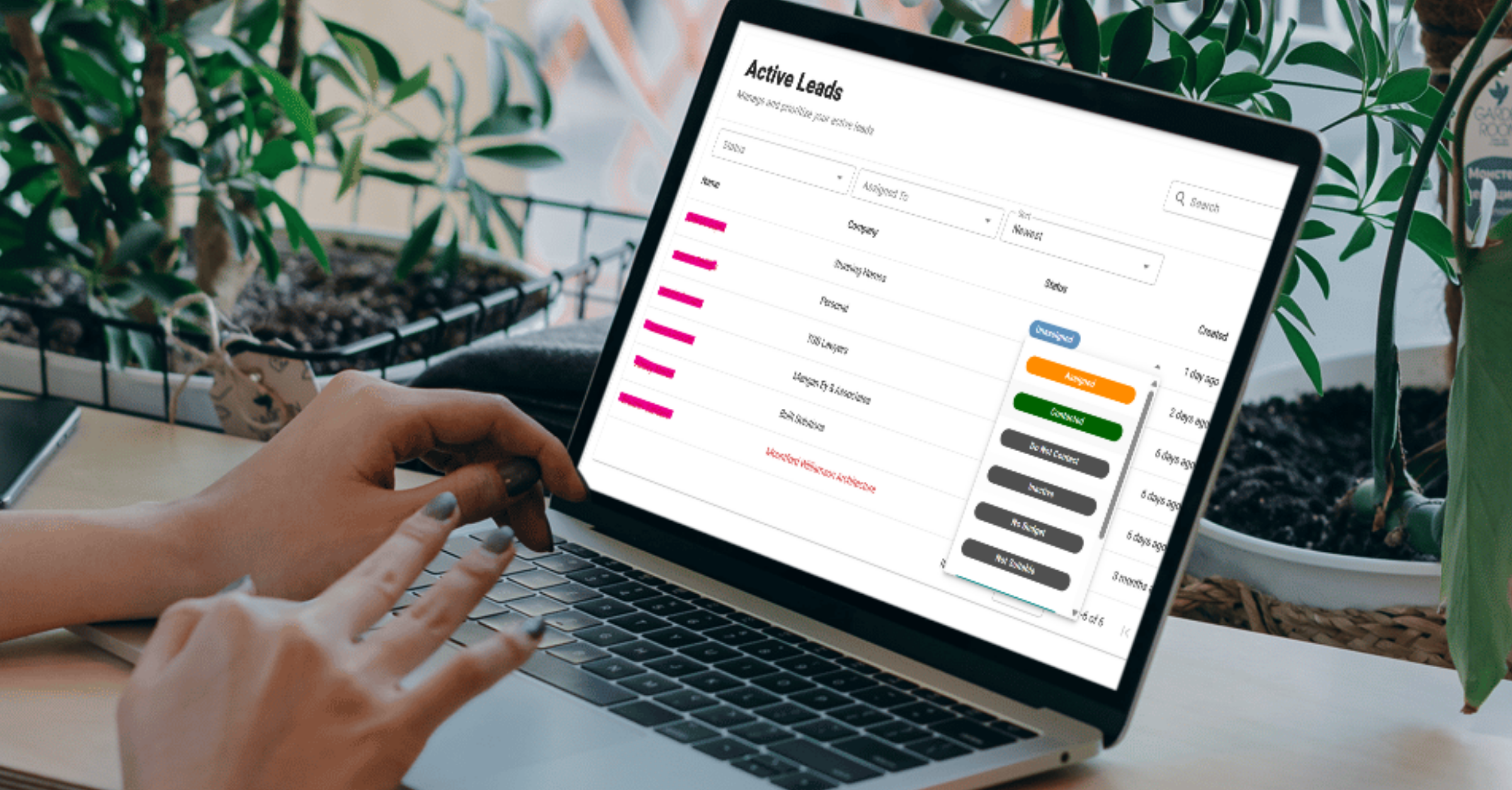
Click Active Leads to see what the AI bots have identified as a lead. Review the list of names and set a Status.
You can choose from several options. The key statuses are:
Assigned
Contacted
Quoted
Sales Converted
If they’re not a good lead, select a reason why not. Options include: Not Suitable, No Budget, Inactive and Do Not Contact.
Create Assignments
Click the name of the lead to open all the lead details in their Profile.
Then decide which team member should take point. At the right side (above status box), choose a team member under Assigned to from the drop-down menu.
Now that team member will get automated updates about the lead, and it’ll appear on their Dashboard.
At the bottom of Profile, you can create individual Tasks and assign them to specific team members. Consider tasks like: “Send a friendly email” or “Call to ensure the quote was received.”
Set a Target Date and leave any Notes that might help close the sale.
Note: If your sales team isn’t already in Gorilla Dash, grant them access through the Team Members tool in the left menu.
Review Progress
In the Communications tab for each lead, you’ll see all activity so you can keep up with developments.
Remember to update the Status as the business relationship progresses!
Never Let a Lead Fall Through the Cracks
The golden rule here is simple. If the lead is in CRM, it has the best chance of becoming a sale. If it's floating around in someone’s head or buried in a notebook, it’s already in danger.
When leads are tracked and follow-ups are assigned, your team can respond faster, stay organised and keep more opportunities alive. That means fewer missed chances, less confusion and a smoother path from enquiry to booked job.
If you hit a snag or have feedback, reach out. We want this tool to make life easier for every Tribe and every franchise business using Gorilla Dash.
See you in the Dashboard,
Mark Li
Email Mark@gorilladash.com
Disclaimer:
If any facts in our articles are incorrect or you would like an article removed please email us at news@gorilladash.com.