
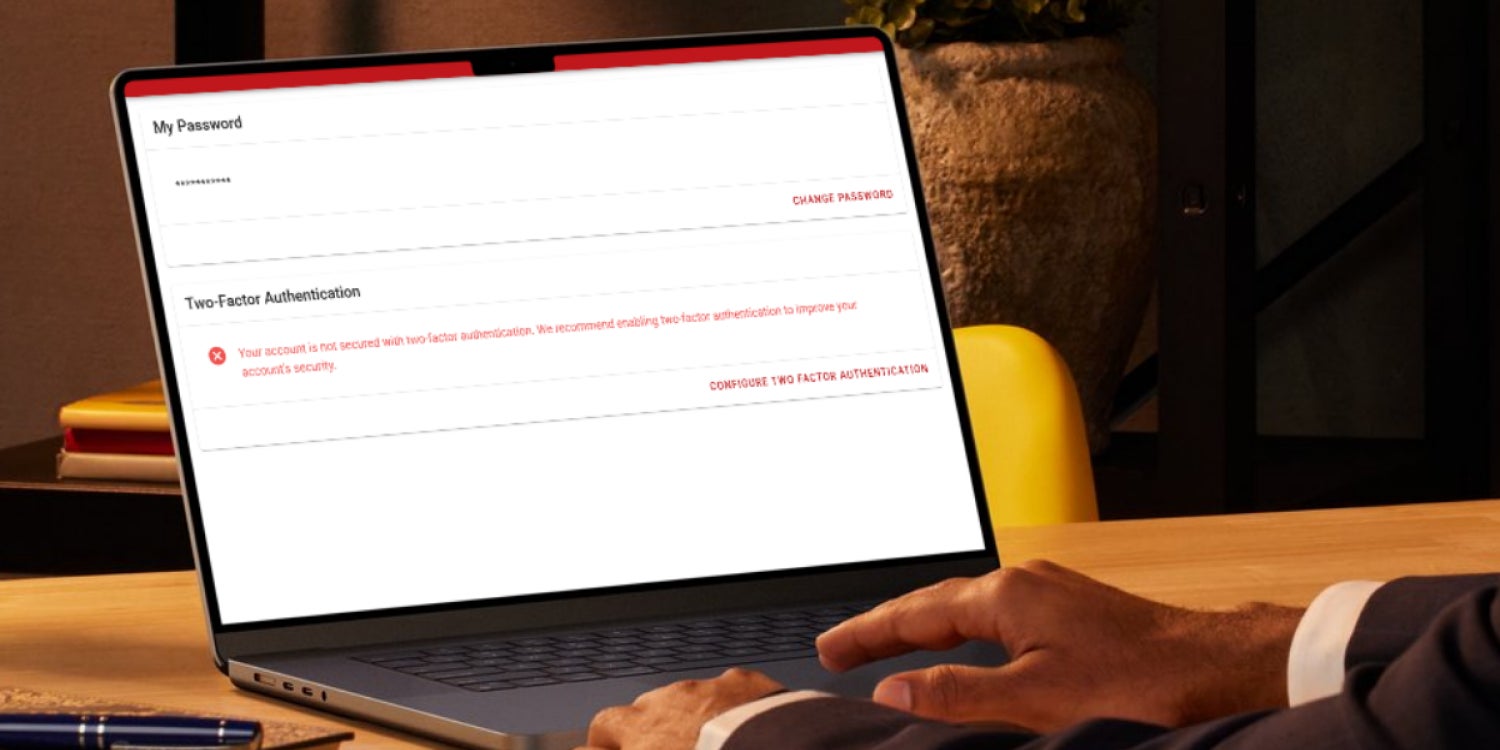
Gorilla Dash’s 2FA rollout reflects rising security expectations in sales and marketing platforms
Security can feel like vegetables. You know you need them; you just wish they tasted like dessert.
We recently rolled out Two-Factor Authentication (or 2FA) for all our clients across Gorilla Dash. While most people understand the necessity, we also know that extra steps to get to your dashboard can be annoying.
Here’s the deal: Email logins are a common entry point for hackers. If someone gets into one account, they can send spam from your address, poke around customer data, sniff out financial details and turn your Tribe into a cleanup project instead of a sales machine.
Things can go sideways quickly when an account is not secured. It is not fun. It is also very preventable.
So we’ve implemented the dreaded 2FA. It’s compulsory because it works. The extra step stops the stolen password problem, even when someone’s password is weak, reused or leaked.
Let any team members who are using Gorilla Dash know not to share the code to keep their accounts secure.
Follow the steps below to get set up.
Quick Gorilla Dash Guide
Improve the Security of your Dashboard

Turn on Two-Factor Authentication 2FA
You should get a prompt the next time you open Gorilla Dash to add Two-Factor Authentication. If you didn’t (or turned it off immediately), here are the steps to turn it on.
- From your desktop, login to Gorilla Dash and click your name in the top right-hand corner and select My Account.
- Click Password and Security then Set Up Two-Factor Authentication. If you’re an auditory learner, we created a video to guide you through how to set it up.
- Download an authenticator app on your phone like Google Authenticator or Microsoft Authenticator. Once you get the app set up, click the
 plus sign to add a code.
 - Scan the QR Code on the screen using the app. Input the six-digit code it generates. Save the backup codes somewhere secure in case you lose access to the authenticator app.
Log back in and enjoy a more secure dashboard!
Remove Old Accounts
Another way to remove holes in your security is to tighten your access list.
If you have former staff, old marketing agencies, or contractors who no longer need access, remove them.
Open your dashboard and scroll to the bottom of the left menu until you find Tribe Administrators.
Click on a name to edit the type of access that person has. To remove team members, click Detach next to their name.
Contact your main office if you aren’t the administrator of your Tribe.
Keep the crew lean, current and accountable!
Protect Your Sales Engine
Spam emails can hurt your reputation, both in the digital and physical world, and burn trust with customers. A locked-down system means fewer problems, fewer interruptions and more time doing what actually makes money.
If you want a hand reviewing your user list or setting up 2FA across multiple Tribes, reach out to your main office.
Stay sharp and stay selling!
Mark Li
Email Mark@gorilladash.com.
Disclaimer:
If any facts in our articles are incorrect or you would like an article removed please email us at news@gorilladash.com.