
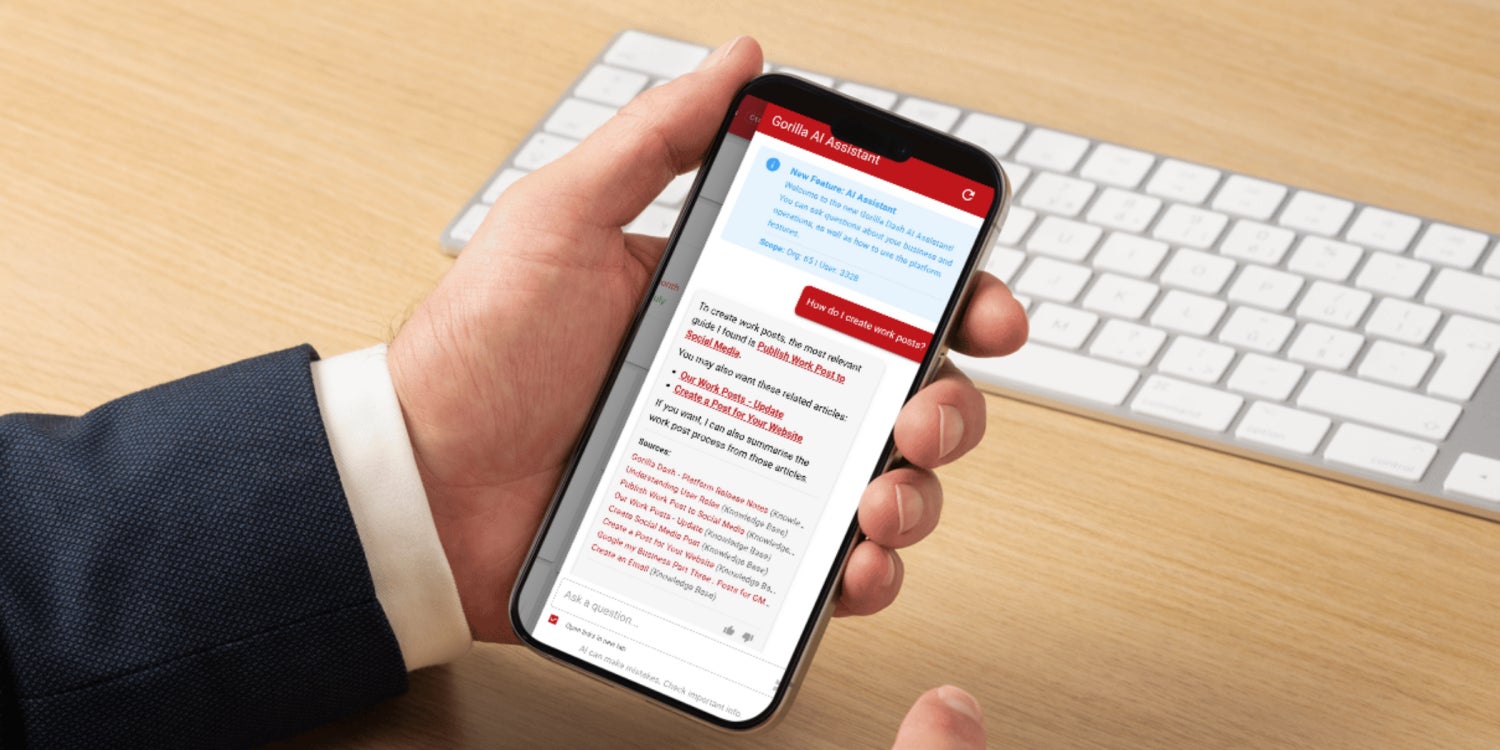
From sales preparation to call analysis, Gorilla Dash uses AI to reduce repetitive tasks while keeping franchise teams in control of the decisions that matter.
AI is everywhere right now. Some of it is genuinely useful.
Some of it is a robot-shaped answer to a question nobody asked. In case you didn’t know, not every task needs AI. Sometimes a button can just be a button.
At Gorilla Dash, we’re taking the useful route.
We are carefully building AI into the places where it can remove repetitive work, find information faster and help franchisees make better decisions.
You are probably benefiting from AI-powered data without realising it. AI is helping organise customer enquiry details, put useful background in front of you before a sales call, draft Work Posts and make phone conversations easier to review.
The point is not to replace the people doing the work. Our goal is to keep you working more efficiently.
AI handles more of the searching, sorting and starting. You bring the experience, judgement and customer relationships.
That means less time digging around and more time moving work forward, closing sales and work forward and closing sales.
A quick reminder: AI gives you a head start, not the final word. Always review anything it drafts or surfaces before you send, publish or act on it.
Quick Gorilla Dash Guide
Five ways to work smarter with AI in Gorilla Dash
1. Prep for sales calls
When you open a new Inquiry, scroll to the bottom to read through the AI-generated Business Information. This information can provide you with key insights before you make the call.
Use it to understand the customer, prepare useful questions and start the conversation with context instead of going in cold.
2. Find missing inbox information
Use the Ask AI at the top of your dashboard to look for a precise email or customer detail you need.
Include names, dates or key terms in your question. A clear question makes it easier to find the right information without scrolling through message after message.
3. Post to the website faster
Open Work Posts and add the key information your team needs.
Use AI to turn those points into a clear first draft. Then review it, add your own voice and check the facts before publishing.
AI helps get the blank page out of the way. You stay in control of the message.
4. Find the right guide
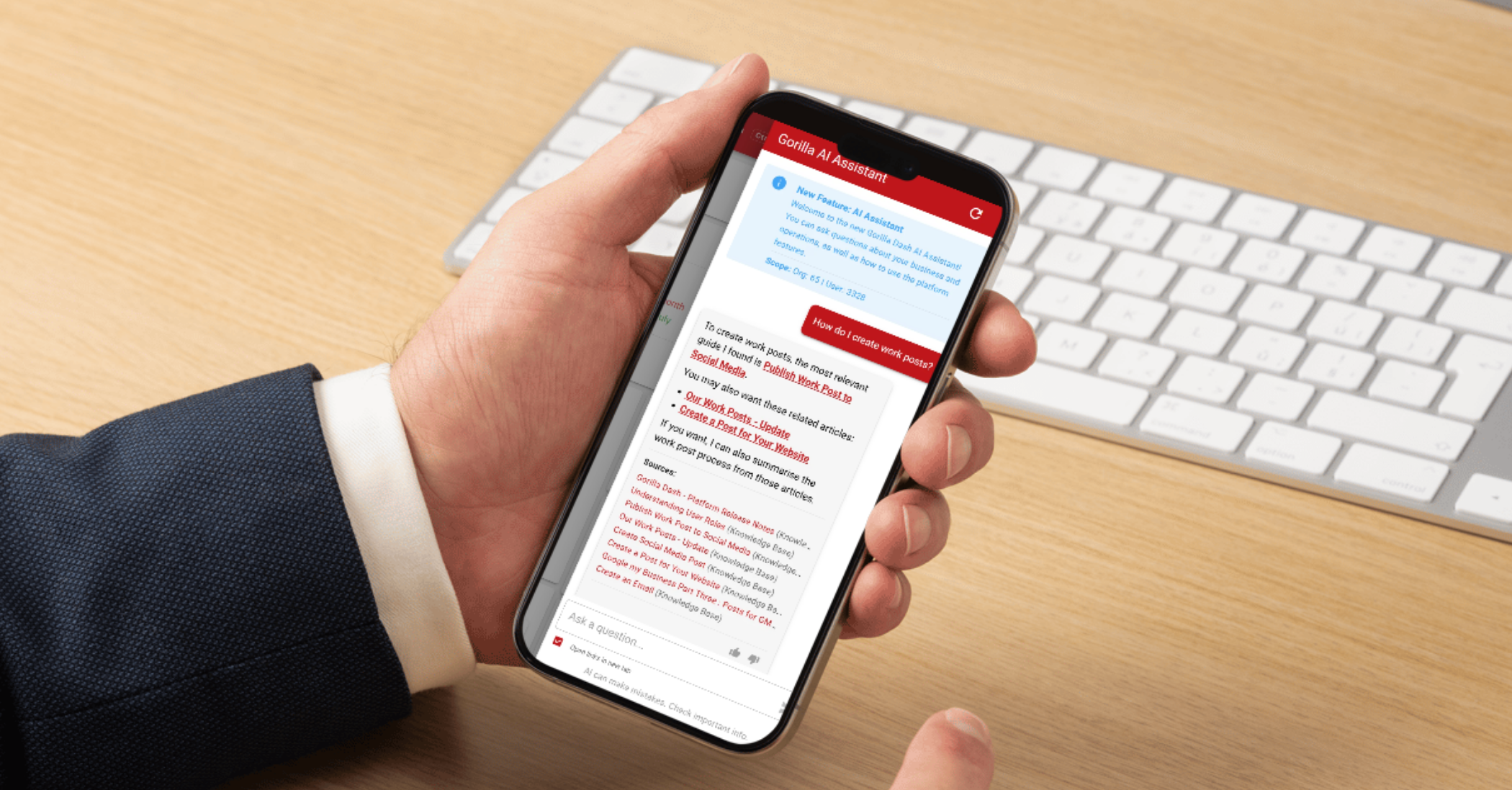
Open Knowledge Base and use the chat on the right-hand side.
Ask a direct question about the task you are trying to complete. The AI searches your franchise’s Knowledge Base and points you towards the most relevant guide.
It searches the information provided for your franchise, not random pages from Google.
5. Analyse phone calls
After a call comes through Gorilla Dash, review the available transcript and the call’s overall sentiment.
Use them to identify the customer’s main concern, understand how the conversation went and choose the right next step.
Less searching, more selling
Every minute spent hunting for an email, drafting from scratch or replaying a call is time pulled away from customers and growth.
Gorilla Dash is putting AI into the workflow to give some of that time back.
For a franchisee, that means faster follow-up, better-prepared sales calls and fewer missed details. Across the franchise, it means clearer communication, stronger visibility and fewer problems being missed.
We will keep adding AI where it makes the platform most useful.
Try these tools in your daily workflow. If something is unclear, not working as expected or could be better, reach out and tell us. Your feedback helps shape what comes next.
Here’s to working smarter and moving faster!
Daniel Norton
Email Daniel@gorilladash.com
Disclaimer:
If any facts in our articles are incorrect or you would like an article removed please email us at news@gorilladash.com.