
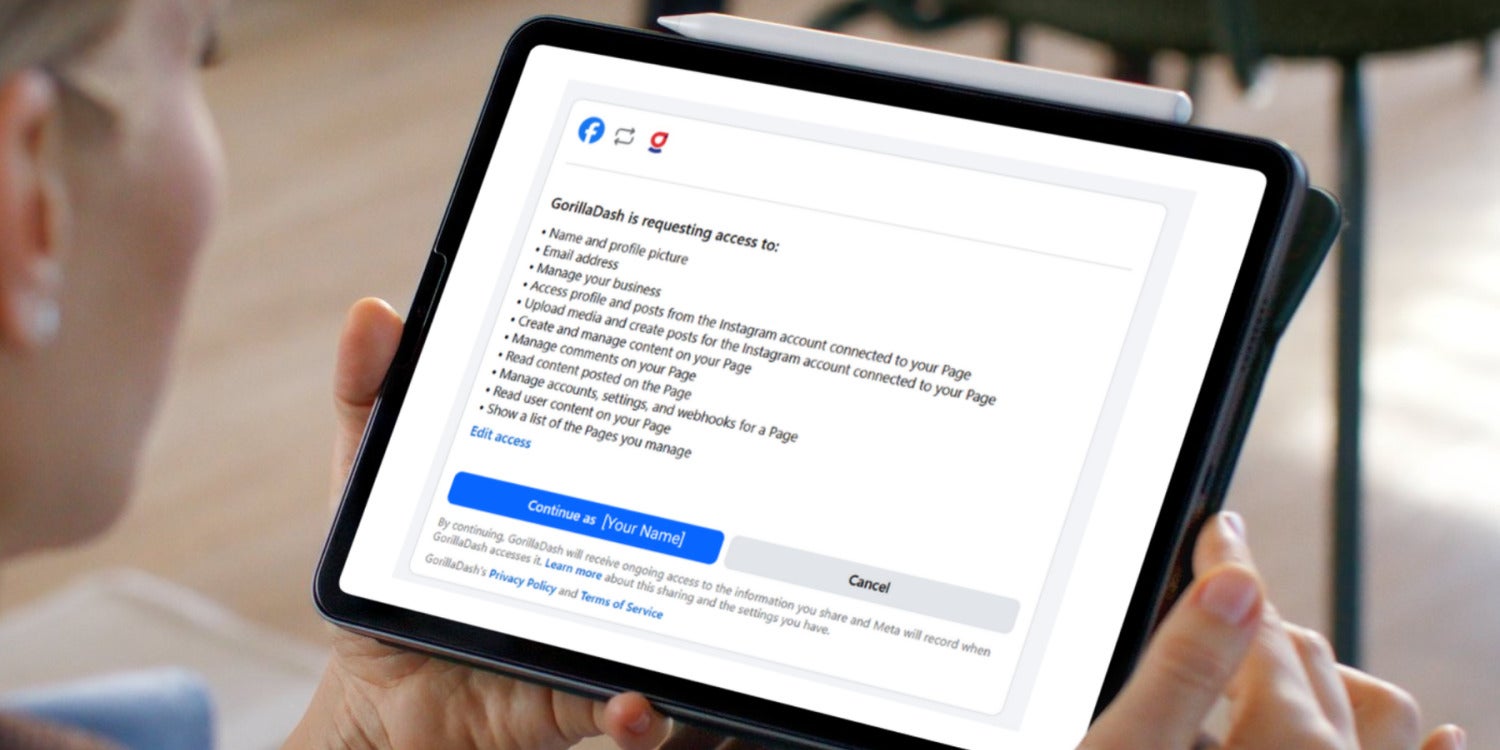
Gorilla Dash simplifies reconnecting business social accounts, helping busy owners stay active online without losing focus on their core operations.
Gorilla Dash makes it easy for you to post news and updates to your followers — no matter where they connect with you.
With just a few clicks in the Social Media tool, your images and stories get posted on every platform.
If you’ve never connected your business social accounts in Gorilla Dash, we highly recommend it. It’s your hack for posting on social media without getting distracted by social media. 😉
This email is your friendly reminder and helpful guide to simplify (or kickstart) your social media efforts.
If you’re an enterprising and technology-forward business owner, you’ve already used the Social Media tool to grow your business.
So you’re understandably frustrated to see a notice like this:

This can happen if you change your password or if one of the social media platforms updates in a way that reconfigures the connection.
It’s frustrating but completely normal.
We’re here to help you reconnect the Social Media tool and get back to posting!
Save this article to guide you the next time it happens!
Quick Gorilla Dash Guide
How to Connect Social Media Accounts

Gorilla Dash works with Facebook, Instagram, LinkedIn, and Google. You’ll have to connect to each of the four platforms.
Each platform is a little different, but the process is the same.
Step 1: Confirm you’re an admin
For LinkedIn
Log in to LinkedIn and click “Home.” Your business page should be listed under “My pages” on the left or under “Manage” when you click on “Me” at the top.
If you don’t see your page, request admin access.

For Facebook and Instagram
Log in to Facebook and open Meta Business Suite. If you have more than one account, use the one that’s associated with your business portfolio.
Under the Meta Business Suite logo at the top left, click the drop-down menu. Make sure your business page (and Instagram account) is listed under the Business portfolios. It might also be listed under “Other assets.”
If you don’t have admin access, check with the person who set up the business profile.
For Google
Log in to your Google account and open Google Business Profile Manager. Your location should be listed under Businesses.
If you don’t see it, try searching for your business in Google Maps. Look for the “Own this business?” link to start the process of claiming your Google Business Profile.
Step 2: Connect the Account
Click this link to open your Social Media Account settings in Gorilla Dash.
Click Connect and follow the prompts. You’ll need to:
- Log into each account (or choose the correct account).
- Accept all permissions as requested.

Step 3: Connect the account to your Tribe
Go to My Dashboard and scroll to the left to find the Social Media tool.
Click Connections on the left. Then click the Connect button for each of the accounts.
Make sure you select the business profile for your location and not your personal profile.

Get Connected and Grow
Many of your clients will check social media before they walk into your location. Don’t miss out on their business because your accounts look forlorn!
Let us know if you need further guidance.
Happy posting!
Anthony Gherghetta
Email Anthony@gorilladash.com.
Disclaimer:
If any facts in our articles are incorrect or you would like an article removed please email us at news@gorilladash.com.