
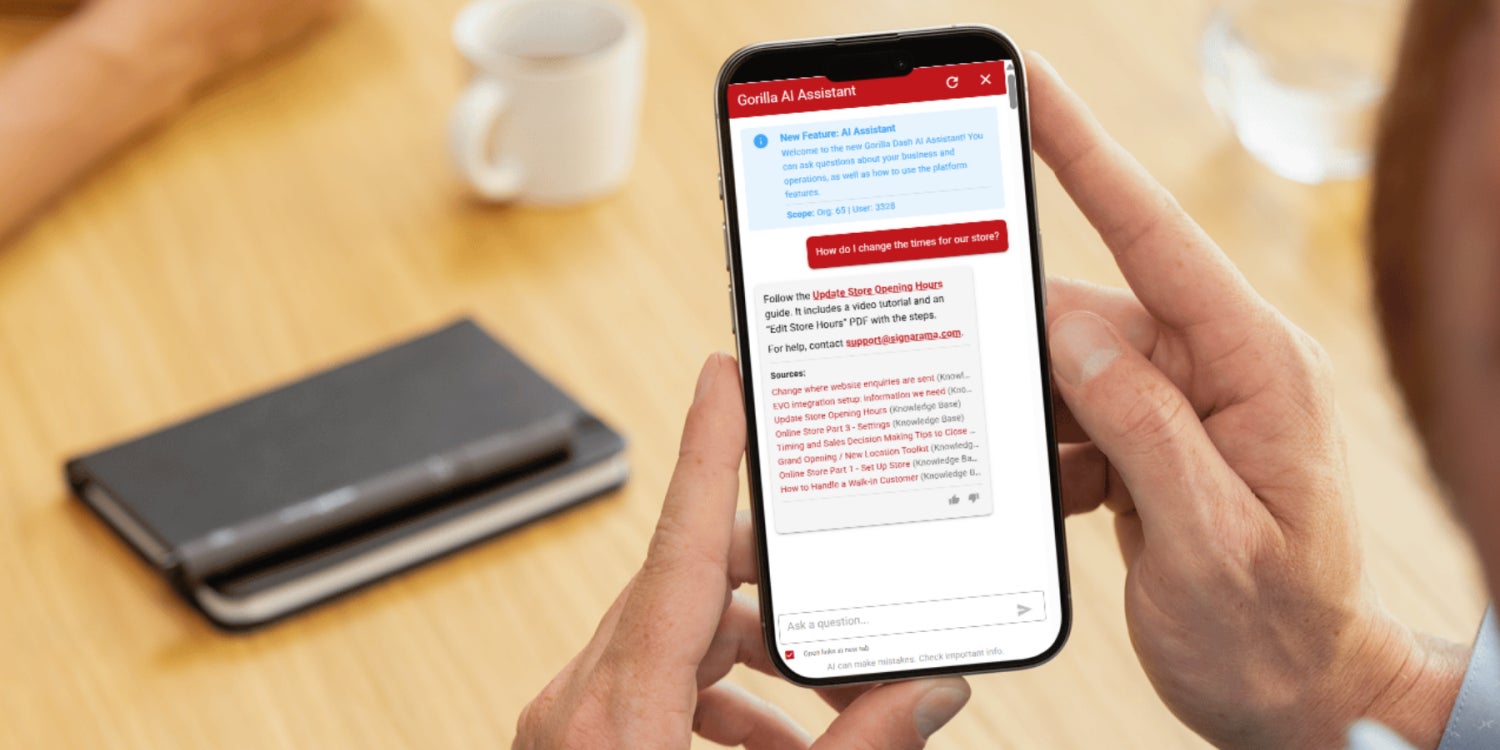
Gorilla Dash holds a wealth of information about your franchise.
The tricky bit is remembering where in Gorilla Dash you saw it.
Which menu had that tool that worked so well? Where did that Knowledge Base article go?
Rather than clicking through menus and hoping for the best, you now have two quicker options.
Enter Global Search and Ask AI.
Global Search helps you find things in Gorilla Dash from a single search bar in the top-right corner.
Search for a Tribe, customer, Knowledge Base article, sales information or the tool you need and head straight there.
Ask AI takes a different approach.
Have a question? Ask it in everyday language. Ask AI searches the information available in Gorilla Dash, gives you an answer and shows you the sources it used.
Two tools. Two jobs.
➡️ Global Search helps you find something.
➡️ Ask AI helps you answer something.
Less wandering around Gorilla Dash. More getting on with business.
Quick Gorilla Dash Guide
Search or Ask?
Not sure which one to use? Start with this quick guide.
Global Search
Know what you are looking for but not where to find it?
1. Click 🔍 Search box in the top-right corner. Or press Ctrl + K from anywhere in Gorilla Dash to start searching.
2. Type what you are looking for. The results are sorted by Applications, Companies, Vendors, Knowledge Base and Resource Library.
3. Click the right result, and bam! You zoom to just the right tool, entry in your CRM or article you needed.
Try searching for:
Customers
Remember Martha, who ordered that product six months ago? Your CRM does! Search by any part of a contact’s name and find the customer or company information you need without working your way through different sections.
Knowledge Base Articles
Search for a general topic and find the article or resource when you already know roughly what you need.
Gorilla Dash Tools
Start typing the name of a tool and jump to it without scrolling through the menu. For example, “Marketing” will pull up Email Marketing, Marketing Automations, Print Marketing and SMS Marketing, depending on what your franchise offers.
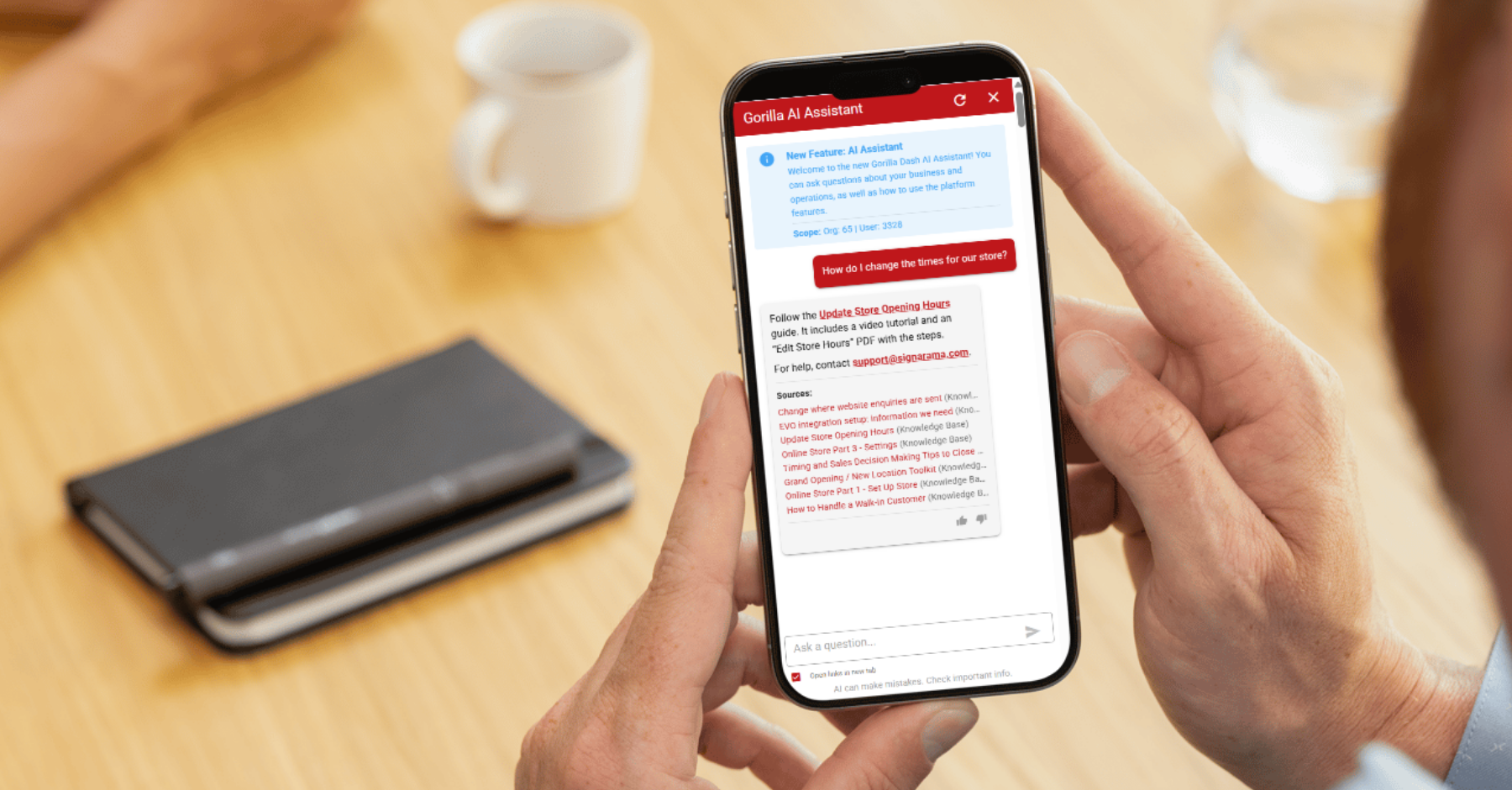
Ask AI
Have a specific question about your business or Gorilla Dash instead? Try the Ask AI tool.
1. From your Dashboard, click ✨ Ask AI from the left menu.
2. Type your question and press “Enter.” The AI bots compiles their best answer from information available in the Knowledge Base and throughout Gorilla Dash.
3. For best results, check the sources to see where the information came from. Ask AI will list how it came up with its answer at the bottom.
Ask AI is handy when you know the question but not necessarily where the answer is hiding.
Find it. Ask it. Keep moving.
A few saved clicks might not sound like much.
Repeat them across every customer lookup, sales task and trip through Gorilla Dash, and they add up pretty quickly.
Global Search gets you to the right place faster. Ask AI helps you get to the right answer.
That means less time searching and more time following up with customers, working on sales and running your business.
Give both a go. If you hit a snag or have feedback, let us know.
Find it faster, and dash forward.
Anthony Gherghetta
Email anthony@gorilladash.com